Product with full control
at every step.
Vrah Is Built For Teams Who Want More Than Fast AI Outputs. It Helps You Think Through Your Product, Structure It Properly, And Refine Every Step From Idea To Design Handoff—Without Losing Context Or Control.
Start Free — Build Your First Product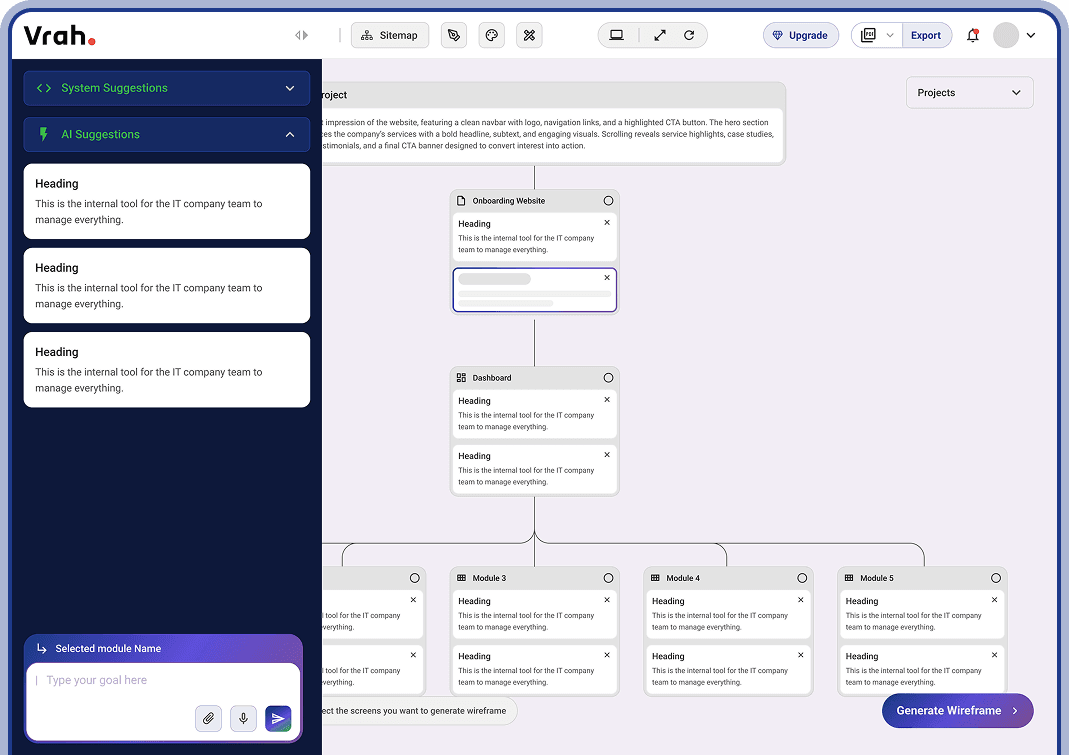
Start With The Right Foundation
Clear inputs lead to better structure, fewer revisions, and production-ready outcomes.
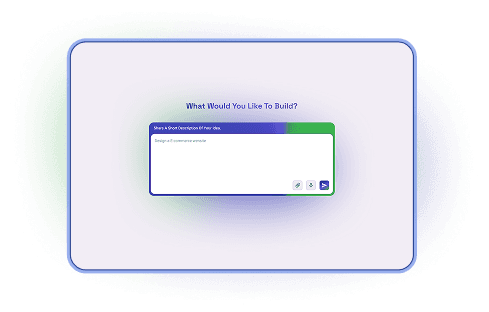
Short Requirement Input
Describe your product idea in plain language no formats, no technical setup. Vrah uses this as the starting signal
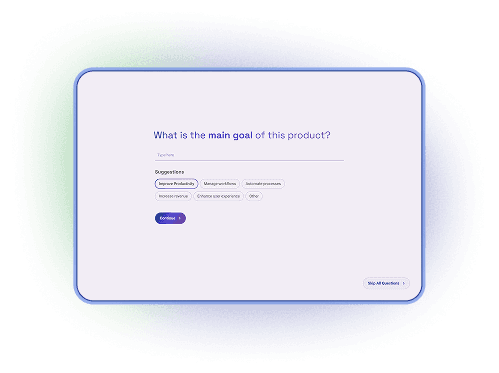
AI-Driven Questioning
Vrah asks smart, context-aware questions to clarify your problem, users, and goals.
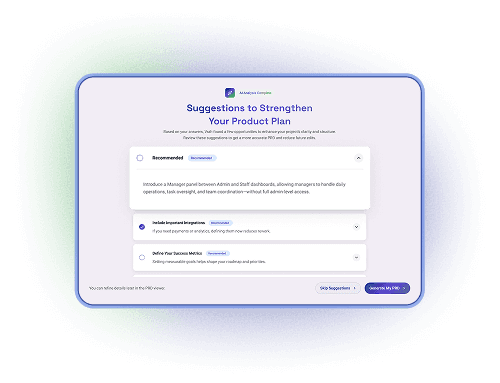
Smart Suggestions Before You Generate
Based on your answers, Vrah identifies opportunities to improve clarity and structure.
Product Requirements,
Done Right
PRDs that grow with your product — structured, editable, and always connected to what comes next.
Designed for clarity, not static documentation.Turn ideas into
structured
requirements
Vrah Helps You Clearly Define Users, Roles, Goals, And Modules From The Start—So Your PRD Captures What The Product Is And Who It's For, Without Confusion.
Your Workspace
Turn structure into a clear product map
Visualize how your product is organized before designing screens or writing code. Vrah converts your PRD into a logical sitemap you can refine as the product evolves.
- Auto-generated from the PRD
- Add or edit pages, sections, and modules
- Get system-suggested structures for completeness
- Chat with AI for custom or edge-case scenarios
Translate structure into usable layouts
Move from ideas to layouts without starting from scratch. Vrah turns flows and requirements into wireframes that reflect real product logic.
- Screen-level wireframes generated from flows
- Editable layouts with clear hierarchy
- Fast iteration without breaking structure
- Designed to scale into final UI
Create consistency before complexity
Define the visual foundation once and let it scale across your product. Vrah helps you set up a design system that keeps every screen aligned.
- Colors, typography, effects
- Token-based system for scalability
- Beginner-friendly setup, expert-ready control
- Designed for real-world product growth
Polished screens, ready for handoff
Generate high-fidelity UI screens that stay true to your design system and product structure—ready for review, prototyping, and export.
- High-fidelity, consistent UI screens
- Clickable prototypes for validation
- Clean export to Figma
- Built for real development workflows